Glitch Text Generator: The Ultimate Guide to Zalgo Text | TextRift
10/29/2025 • 1 min read
Glitch Text Generator: What It Is and How To Create It
Ever seen text on Discord, Twitch, or Instagram that looks broken, corrupted, or haunted?
Like this: Z̴̧̞̥̲͈̄̑͒̋͋͑͛͒ā̵̹̞̪̲̩͈̦̖̚l̴̡̦̩̩̩̜̀̓g̴͉͖̫̽ǫ̵̜͙̼͒̑̂̚
That striking effect is called Glitch Text (aka Zalgo Text or Cursed Text). It’s a powerful way to make usernames, bios, and posts stand out—without images or custom fonts.
In this ultimate guide, you’ll learn how it works and how to generate your own glitch text in seconds with the TextRift Glitch Text Generator.
Is Glitch Text a Font?
No—Glitch Text is not a font. It’s a Unicode trick.
The Trick: Unicode Combining Marks
Every normal letter (like a, b, c) has a code point in Unicode. Unicode also includes special combining marks—accents and diacritics designed to attach above, through, or below a base letter.
Glitch text generators stack many combining marks around each character, forcing apps to render a chaotic cluster in a tiny space. The overlap creates the spooky, corrupted “Zalgo” look.
Why Use Glitch Text? Where Does It Work?
- 🎮 Discord & Twitch — Make usernames and messages instantly eye‑catching.
- 📱 Social bios — Add cyberpunk or eerie vibes to Instagram/Twitter/X.
- 🎨 Creative work — Great for thumbnails, headers, and edgy visuals.
The Fastest Way to Create Glitch Text
You could copy combining marks by hand… but why?
Use our free, fast, clean generator:
→ Try the Glitch Text Generator
How To Use TextRift (3 Steps)
-
Type or paste your text.

-
Tune intensity: Control three layers for precision.
- Up‑Glitch (above letters)
- Mid‑Glitch (through letters)
- Down‑Glitch (below letters)

-
Copy in one click. Paste anywhere that supports Unicode.
Tip: If some apps render poorly, reduce intensity or enable Safe mode.
Pro Tips
- Moderation wins. Too many marks can hurt readability.
- Test per platform. Some apps limit what characters render well.
Explore the TextRift Toolkit
- Glitch Text Generator — Zalgo style with precise Up/Mid/Down control.
- Fancy Text — Gothic, Script, Double‑Struck, Hearts, and more.
- Vaporwave — Full‑width retro‑futuristic aesthetic.
- Upside Down — Flip your text for fun effects.
- Strikethrough — Single or double strike.
Ready to create your own glitch text?
→ Try TextRift Glitch Text Generator
Upside Down Text Generator: How to Flip & Invert Your Text | TextRift
10/29/2025 • 1 min read
˙sᴉɥʇ ǝʞᴉl 'ʇxǝʇ ɹnoʎ dıןɟ oʇ ʍoɥ uɹɐǝ˥ Want to confuse friends? Learn how our free Upside Down Text Generator instantly inverts your text. Copy & paste for social media!
Free Glitch Text Generator (Copy & Paste) | textRift.online
10/30/2025 • 1 min read
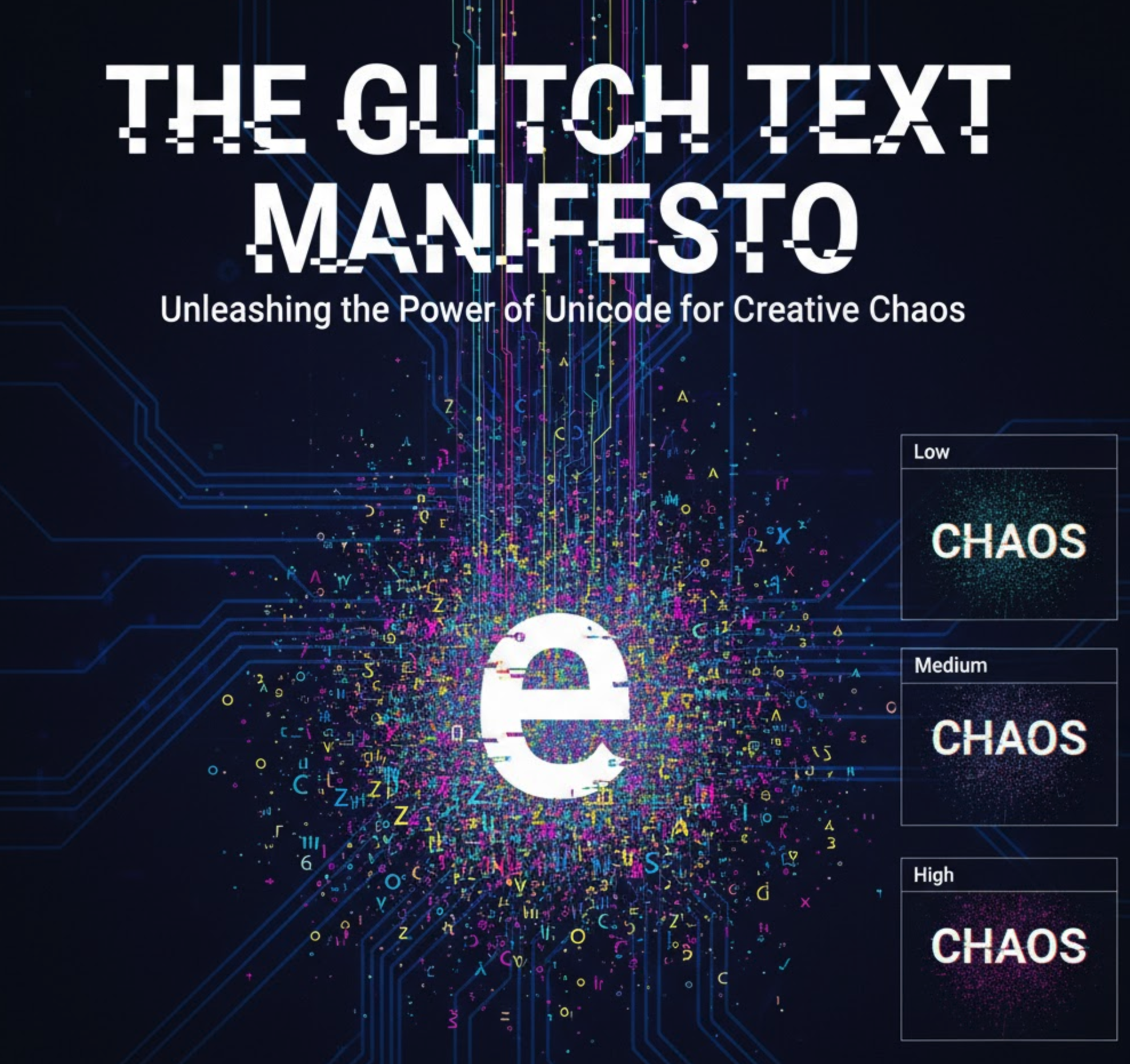
Instantly corrupt text with our free Glitch Text Generator. Create "cursed" and Zalgo text effects, adjust the chaos level, and copy-paste for Discord, Reddit, or social media profiles.


